

Fragmented Patient Records
Patient information spread across departments makes it harder for clinicians to see the complete patient history.
LiveDoctor connects patient information, clinical workflows and healthcare teams around one continuous patient journey.
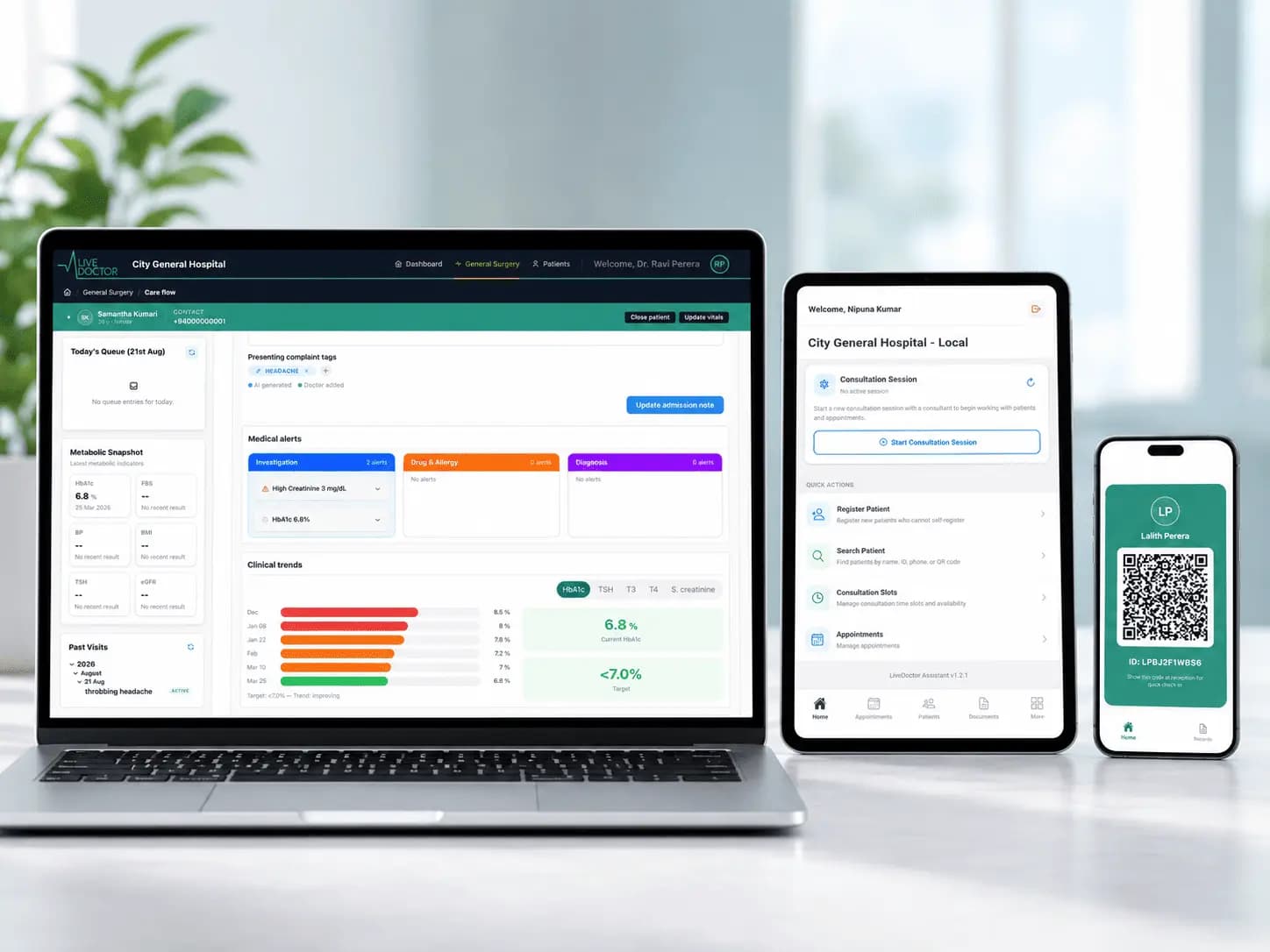
Hospitals manage complex care across departments, specialties and supporting services. When information and workflows remain disconnected, staff spend more time finding, repeating and transferring information.
Patient information spread across departments makes it harder for clinicians to see the complete patient history.

Care teams repeatedly capture the same patient information across paper forms and disconnected systems.

Prescriptions, referrals, investigation requests and clinical documentation can become difficult to track across the care journey.

Transitions between consultants, laboratories, pharmacies and other services can fragment communication and delay information flow.

Administrators need consistent visibility into admissions, consultations, prescriptions, investigations and referrals.
Connect every stage of the patient's care journey through one continuous longitudinal record.
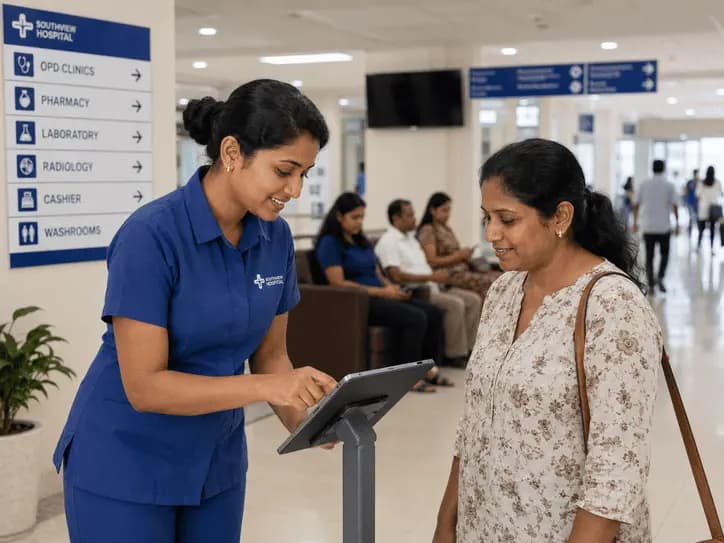
Secure Registration, Duplicate Detection & QR Identity
Create or identify the patient record, detect potential duplicates and establish a secure QR-based patient identity.

Connected Clinical Consultation
Review patient history and document clinical findings, diagnoses, treatments and prescriptions within the same longitudinal record.
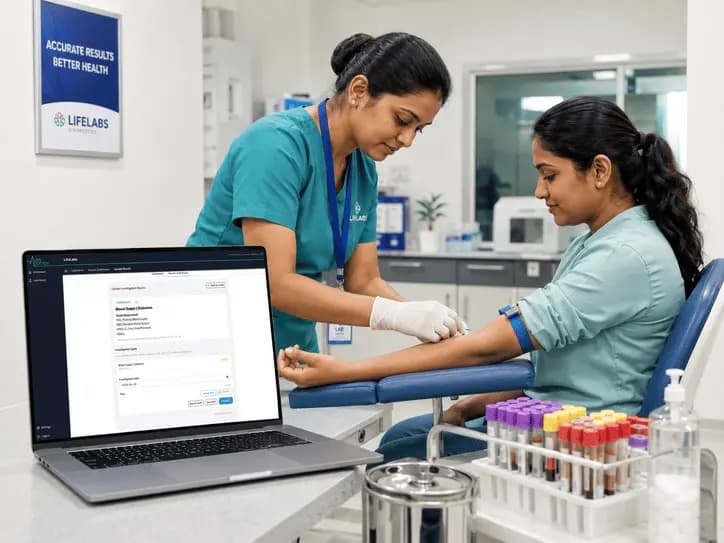
Digital Investigation Workflow
Create investigation and referral requests digitally and connect results from participating laboratory workflows back to the patient's care journey.
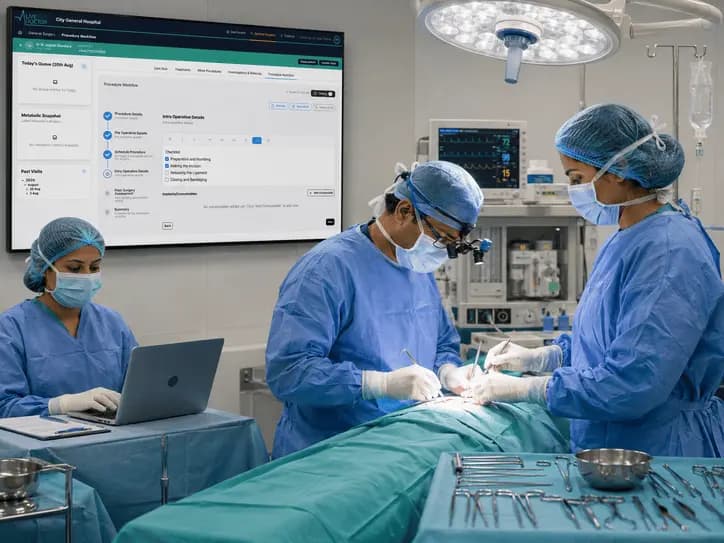
Structured Procedure Workflows
Manage minor procedures and surgical workflows while keeping procedural information connected to the patient's overall clinical record.

Connected Prescription Workflow
Make prescriptions available through secure workflows that support patient verification and pharmacy review.
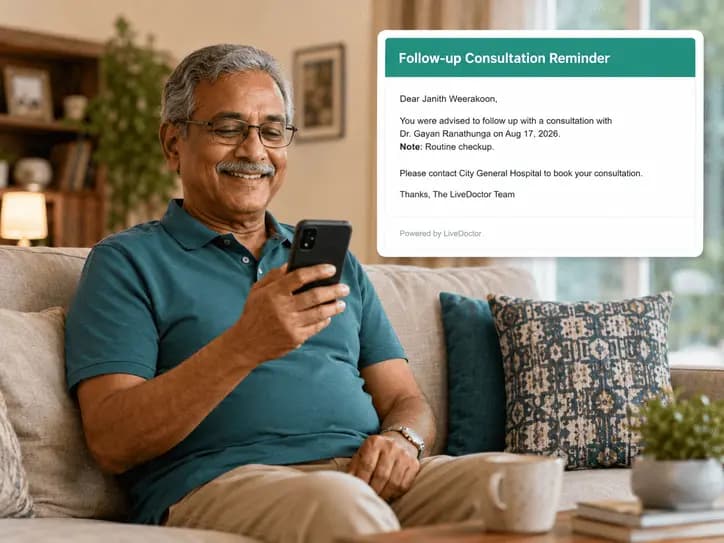
Continuous Patient History
Keep future appointments, clinical updates, investigation results and encounters connected to the patient's existing record.
LiveDoctor brings patient information, specialty workflows and connected healthcare services together through one unified clinical platform.

Bring patient history, diagnoses, medications, investigations, procedures, documents and clinical information together in one connected longitudinal record.

Support workflows for General Practice, Visiting Practitioner, Endocrinology, Cardiology, General Surgery, Eye Surgery and Optometry while maintaining one shared longitudinal patient record.

QR-based patient identification helps authorized teams locate the correct patient record while reducing repeated registration and dependence on paper-based identification.

Create investigation and referral requests digitally and connect participating laboratory workflows and submitted results directly to the patient's care journey.

Connect digital prescriptions with secure patient-verification and pharmacy review workflows, reducing dependence on paper prescriptions across the care journey.

AI-assisted summaries help clinicians review complex patient histories more efficiently by bringing relevant information and medical alerts into focus—supporting clinical judgement, not replacing it.
LiveDoctor connects patients, consultants, assistants, administrators, laboratories and pharmacies around one continuous care journey, while giving each participant access to the tools and information appropriate to their role.

Access lab reports, diagnosis records, upcoming appointments and follow-up information through a dedicated patient portal, keeping important health information available throughout the care journey.
Review patient history, document care and manage specialty-specific clinical workflows from one connected workspace.

Register patients, manage appointments and consultation sessions, and support consultants through streamlined day-to-day clinical workflows.

Configure workspaces, manage users and permissions, set up theatres, control document printing and review operational reports.
Receive investigation requests, verify patient access where required and return completed results through connected patient workflows.

Securely review digital prescriptions and support dispensing through patient-verification workflows.
Manage the surgical journey from scheduling and pre-operative preparation through intra-operative documentation and post-operative care, while keeping every stage connected to the patient's longitudinal clinical record.
 01
01Configure operating theatres, manage theatre slots and coordinate procedure workflows, surgical teams and assignments.
 02
02Structure pre-operative documentation, clinical checklists and workflow steps so the surgical team can prepare around a consistent patient record.
 03
03Capture procedure information, coordinate team activity and manage structured workflow steps and approvals during the theatre process.
04Keep post-operative documentation, procedure outcomes and future follow-up encounters connected to the patient's existing clinical history.
LiveDoctor controls access through workspaces, roles, permissions and patient-verification workflows, helping ensure users can access the information and functionality appropriate to their responsibilities.

Control access to platform functionality according to each user's assigned role and permissions within the workspace.
Support healthcare professionals and administrators working across one or multiple authorized clinical workspaces through a single account.
QR and OTP-based verification workflows help securely identify patients and control access to information within connected laboratory, pharmacy and patient-facing workflows.
Maintain backend audit records of relevant platform activity to support accountability and operational traceability.
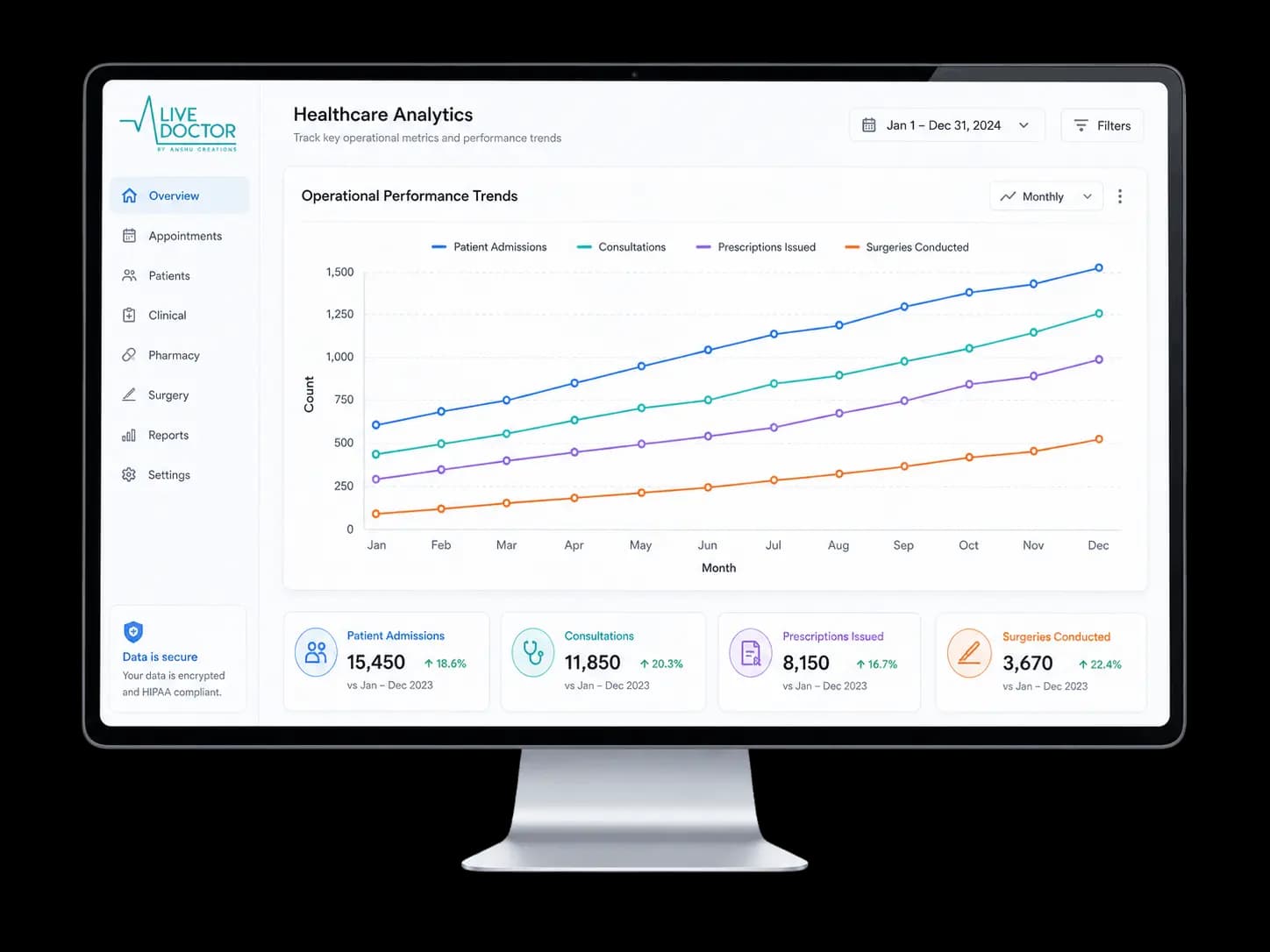
Illustrative dashboard
LiveDoctor provides structured reporting across admissions, visits, prescriptions, investigations and referrals, helping hospital teams review activity across daily, weekly, monthly and annual periods.

Admission & Visit Activity
Review patient admissions and clinical visit activity across selected reporting periods.
Prescribing Activity
Track prescription activity generated through connected clinical workflows.
Investigations & Referrals
Review investigation requests and referral activity across the workspace.
Flexible Reporting Periods
View operational activity by day, week, month or year to support routine monitoring and planning.
LiveDoctor can be introduced progressively, beginning with selected clinical workflows or departments and expanding as teams become familiar with the platform.
Review existing clinical and operational workflows to understand how patients, staff and information currently move through the selected department or service.
Configure LiveDoctor around the selected workspace, specialties, team structure, theatres, procedures, printing and workflow requirements.
Introduce consultants, assistants, administrators and supporting teams to the workflows and tools relevant to their responsibilities.
Launch LiveDoctor within a selected clinical unit, specialty or workflow in a controlled environment before broader rollout.
Use operational feedback and adoption experience from the pilot to refine workflows and progressively extend LiveDoctor across additional specialties, teams and connected services.
“The right clinical information, available to the right healthcare professional, at the right moment of care.”
